Emails That Perform – on Both Mobile and Desktop

Emails That Perform – on Both Mobile and Desktop
Email marketing remains one of the most effective ways to connect with customers and readers. But with more than half of all emails now opened on mobile devices, it’s no longer enough for your newsletters to look great on a large screen. They need to perform equally well on both mobile and desktop—fast, clear, and with a focused message. Here’s a guide to designing and writing emails that deliver results across devices.
Know Your Audience – and Their Screens
Before you start designing, it’s essential to understand how your audience reads emails. Many Canadians check their inbox on the go—on the bus, between meetings, or while waiting in line for coffee. That means you only have a few seconds to grab their attention.
- Think mobile first. Start by designing for the smallest screen. If it works on mobile, it will work on desktop too.
- Keep it short. Long paragraphs can feel overwhelming on a phone. Use short sentences and clear breaks.
- Use strong headings. Headings help readers scan quickly and find what matters most.
Design That Adapts Automatically
A responsive design is key to emails that perform well on any device. It ensures your layout automatically adjusts to the screen size.
- Single-column layout. On mobile, one column works best—it keeps text and images in the right order.
- Large, tappable buttons. Make sure buttons and links are easy to tap with a thumb.
- Readable text size. Use at least 14–16 px for body text and 20–24 px for headings.
- Smart image use. Choose images that scale automatically and avoid heavy files that slow down loading.
Always test your email on multiple devices before sending. Most email platforms let you preview how your message looks on both mobile and desktop.
Write Subject Lines That Get Opened
Even the best-designed email won’t make an impact if it isn’t opened. The subject line is your first—and often only—chance to spark curiosity.
- Keep it short. On mobile, only the first 30–40 characters are visible.
- Be specific. Tell readers what they’ll gain by opening the email.
- Avoid exaggeration. Overused words like “free” or “exclusive” can trigger spam filters.
- Use the preheader. The short text following the subject line can expand on your message and boost open rates.
Læs også:


Content That Converts
Once your email is opened, the goal is to keep readers engaged and guide them toward action.
- Lead with the key message. The first lines should explain why the email matters.
- Use clear calls to action (CTAs). Buttons like “Learn more,” “Sign up,” or “Shop now” should stand out and be easy to find.
- Create visual rhythm. Add space between paragraphs, images, and buttons to make the email easy to read.
- Personalize when possible. Use the recipient’s name or past behaviour to make the message more relevant.
Test, Measure, and Optimize
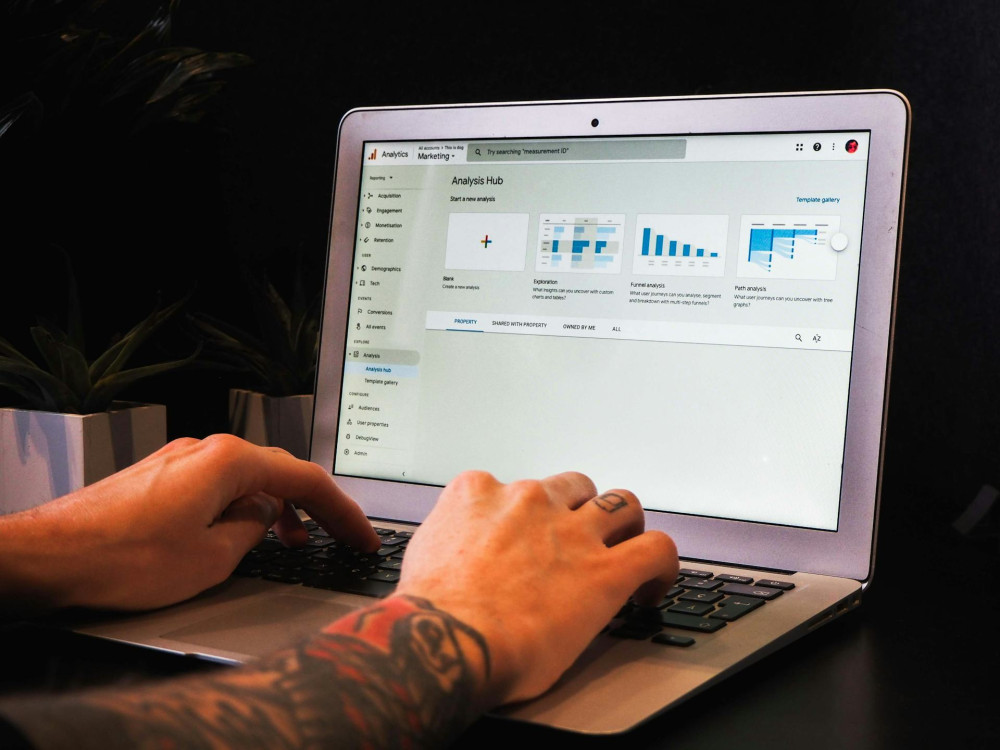
Small changes can make a big difference in how your emails perform. That’s why testing and analysis are crucial.
- A/B test subject lines. Try two versions and see which one gets more opens.
- Track click rates. Which links get the most clicks—and which are ignored?
- Watch unsubscribe rates. A rising number may signal that your content isn’t hitting the mark.
- Use data to improve. Adjust send times, content, and design based on what the numbers tell you.
Create a Consistent Experience
An email rarely stands alone. It’s part of a larger customer journey—from inbox to website or online store. Make sure the experience feels seamless.
Ensure that colours, tone, and messaging in your email match what readers see when they click through. Consistency builds trust and increases the likelihood that they’ll take the next step.
Emails That Work—No Matter the Screen Size
Creating emails that perform on both mobile and desktop isn’t just about design—it’s about understanding your audience. A great email is simple, relevant, and easy to act on, whether it’s read on a smartphone during a commute or on a large monitor at the office.
With responsive design, clear messaging, and ongoing optimization, you can make sure your emails don’t just get opened—they get results.
Læs også: